Managing Inventory Across Multiple Locations: Best Practices
Master multi-location inventory management with proven best practices. Reduce stockouts, cut costs, and streamline operations across warehouses, retail stores, and fulfillment centers.
Running inventory across two or more locations can feel like juggling flaming torches while riding a unicycle. One warehouse runs out of a top seller, while another has the same product gathering dust. You over-order to compensate, cash flow tightens, and customers grow impatient.
If that sounds familiar, you’re not alone. According to a 2025 report by McKinsey, 43% of SMBs with multiple locations cite inventory visibility as their top operational challenge. The good news? The problem isn’t hopeless—it’s solvable with the right systems and strategies.
This guide walks through the core challenges of multi-location inventory management and lays out actionable best practices to regain control. No fluff, just what works.
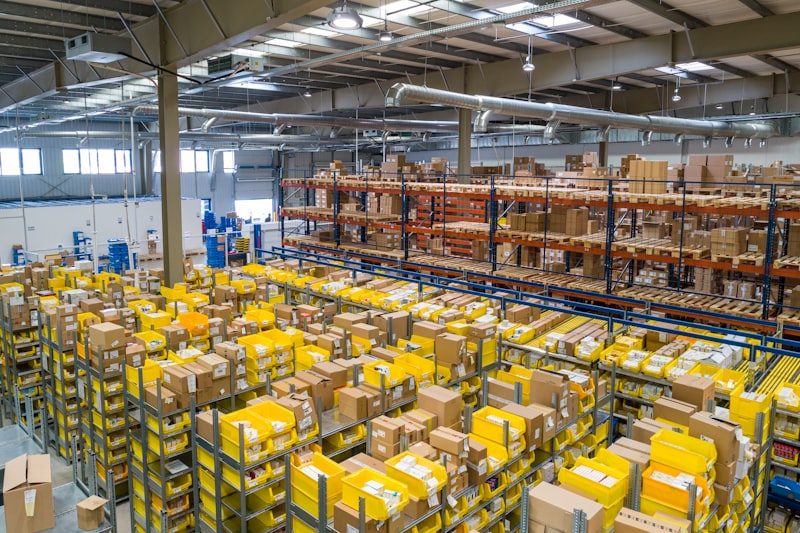
The Real Problem with Multiple Locations
When you expand from one location to two (or ten), complexity multiplies exponentially. Here’s what typically goes wrong:
- Blind spots: You don’t know real-time stock levels across locations until someone walks the floor.
- Overstocking & understocking: Without centralized data, each site orders independently—creating surpluses in some spots and shortages in others.
- Costly transfers: Moving products between locations eats margin, especially if done reactively.
- Lost sales: Customers walk when an item shows “in stock” online but is actually sitting in the wrong warehouse.
- Inventory shrinkage: Discrepancies between system counts and physical stock grow faster across multiple sites.
Stat to consider: The National Retail Federation reports that inventory distortion (overstock + out-of-stocks) costs retailers $1.75 trillion globally each year. For multi-location businesses, this figure is disproportionately higher.
Common Multi-Location Inventory Mistakes
| Mistake | Impact | Frequency |
|---|---|---|
| No centralized inventory system | Data silos, double ordering | Very common |
| Manual stock counts across sites | Human error, delays | Common |
| Ignoring demand variation by location | Overstock in slow stores, stockouts in busy ones | Very common |
| No safety stock differentiation | Uniform buffers that don’t fit any location | Moderate |
| Poor inter-location transfer logic | High freight costs, slow fulfillment | Common |
Root Cause: Lack of Real-Time Visibility
The root cause behind nearly every multi-location inventory headache is the same: you can’t see what you have, where you have it, and when it’s moving—in real time.
Spreadsheets break the moment you have more than one location. Even basic accounting software often treats inventory as a single pool, ignoring physical location entirely. And if you’re relying on periodic physical counts (monthly or quarterly), you’re flying blind between counts.
A 2024 survey from Ware2Go found that 67% of businesses using manual inventory methods experienced stockouts at least once a month—compared to just 22% of those using automated systems.

Best Practices for Multi-Location Inventory Management
Here’s the practical playbook. These aren’t theoretical—they’re implemented by thousands of businesses today.
1. Centralize Your Inventory Data
Every location should feed into one single source of truth. This means:
- Real-time syncing: When a sale happens in Location A, Location B’s system knows immediately.
- Unified product catalog: Same SKU, same naming, same attributes everywhere.
- Role-based access: Warehouse managers see their site’s data; HQ sees everything.
Without centralization, you’re essentially running separate businesses under one roof.
2. Set Location-Specific Safety Stock Levels
Don’t apply the same safety stock formula across all sites. A high-traffic retail store in a city center needs different buffers than a slow-moving warehouse in a rural area.
Factors to consider per location:
- Lead time from suppliers (varies by region)
- Demand velocity (units sold per day/week)
- Seasonality (holiday spikes differ by geography)
- Replenishment frequency (how often you can restock)
Pro tip: Use the formula
Safety Stock = (Max Daily Usage × Max Lead Time) – (Avg Daily Usage × Avg Lead Time)—but apply it per location, not globally.
3. Optimize Inter-Location Transfers
Moving stock between locations should be intentional, not desperate. Build rules like:
- Transfer from Location A to B only when B’s stock dips below 10-day supply AND A has more than 30-day supply.
- Prioritize transfers that consolidate shipments (full pallets, not single boxes).
- Track transfer costs as a line item—if it costs more to move than the margin on the sale, don’t do it.
4. Use Cycle Counting Across All Sites
Stop doing full physical counts. Instead, implement cycle counting—counting a small subset of high-value or high-velocity items daily or weekly.
| Cycle Count Method | Best For | Frequency |
|---|---|---|
| A-count (high-value items) | Every location | Weekly |
| B-count (mid-value items) | Busiest locations | Monthly |
| C-count (low-value items) | All locations | Quarterly |
Cycle counting reduces disruption while keeping accuracy above 95%.
5. Automate Reordering by Location
Manual reordering leads to over-ordering (to be safe) or under-ordering (because someone forgot). Set automated reorder points per location:
- Reorder point (ROP): The stock level that triggers a new purchase order.
- Economic order quantity (EOQ): The optimal order size that minimizes total holding and ordering costs.
Automation means you never run out of a bestseller in your busiest store—and never overstock slow movers in a quiet one.
6. Track Location-Level Performance Metrics
What gets measured gets managed. For each location, track:
- Stockout rate: % of SKUs that hit zero during a period
- Inventory turnover: How fast stock sells through
- Carrying cost: Storage, insurance, and opportunity cost per location
- Transfer frequency: How often you need to move stock between sites

How Fluxventory Simplifies Multi-Location Management
Multi-location inventory doesn’t have to be a headache. Fluxventory was built specifically for businesses that operate across multiple warehouses, retail stores, or fulfillment centers.
With Fluxventory, you get:
- Real-time inventory visibility across every location from one dashboard
- Location-specific reorder points and automated purchase orders
- Cycle counting workflows that adapt to each site’s volume
- AI-powered stock alerts that flag potential stockouts or overstock before they become costly problems
- Barcode scanning (USB on desktop, camera on mobile) for fast, accurate receiving and transfers
It’s designed for small-to-medium businesses that have outgrown spreadsheets but don’t need—or want—the complexity and cost of enterprise ERP systems.
Take Control of Your Multi-Location Inventory
The businesses that thrive with multiple locations aren’t the ones with the biggest warehouses—they’re the ones with the best visibility and processes. By centralizing data, setting location-specific rules, and automating routine decisions, you can turn your multi-location operation from a liability into a competitive advantage.
Ready to simplify how you manage inventory across every site? Start your free trial of Fluxventory today and see real-time, location-level control in minutes.
Ready to take control of your inventory?
Join businesses using Fluxventory to track stock in real time, reduce losses, and make smarter decisions.